
Passport Photo Maker
Turn a selfie into a compliant passport, visa or ID photo — cropped to the official requirements and delivered to your inbox. Completely free.
Choose country and document
How it works
Pick your document
Choose from 920 official formats across 168 countries — passports, visas, ID cards and more, each with the exact size and framing the issuing office requires.
Upload a selfie
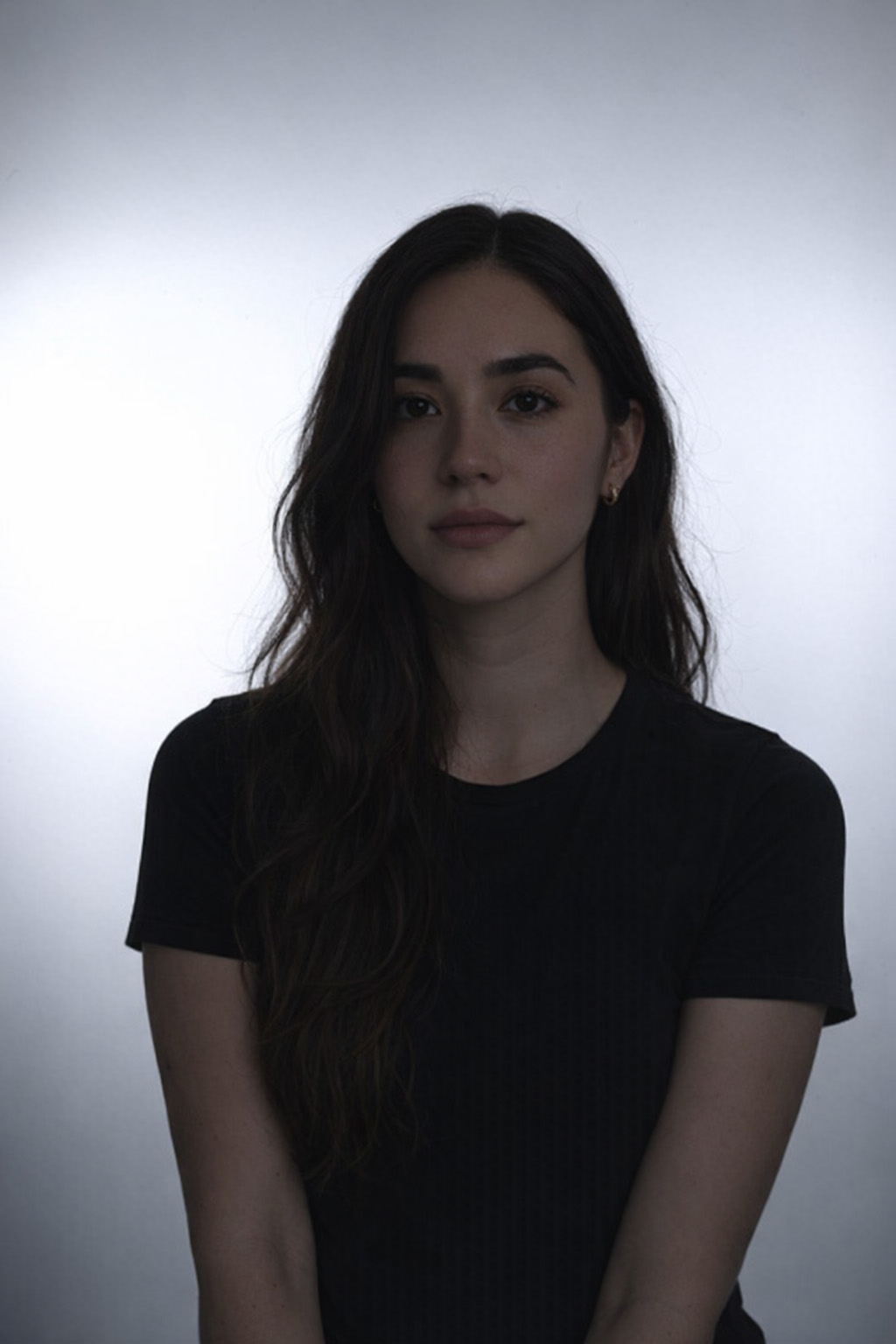
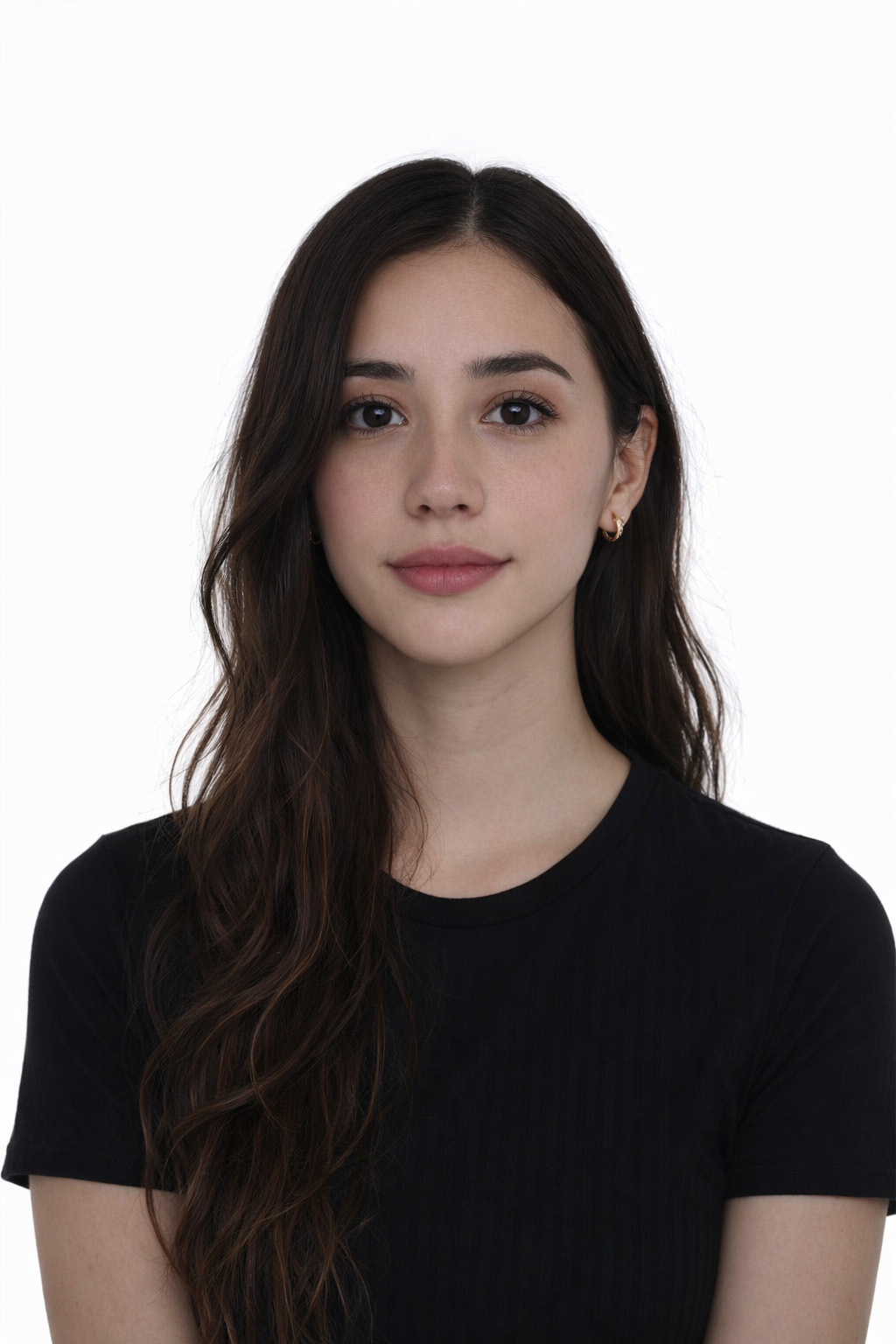
We remove the background, crop to the official head position and render a print-ready file at the exact required size.
Check & download
Your photo is scored with ISO/IEC 29794-5 biometric quality checks. Enter your email to download it — we send you a copy too.
Frequently asked questions
Is the passport photo maker free to use?
Yes, it is completely free. Creating, checking and downloading your photo costs nothing — you only enter your email so we can send you the finished file. No registration, no payment step.
Which documents and countries are supported?
We cover 920 official document formats across 168 countries: passports, visas, ID cards, residence permits and standard photo sizes — each with the exact dimensions, head position and background the issuing office requires.
How is the photo checked?
Every photo is scored against the ISO/IEC 29794-5 biometric quality standard — the same family of checks used for machine-readable travel documents — plus framing checks for your specific document. You get an honest quality report before you download.
Is my photo guaranteed to be accepted?
No automated tool can guarantee acceptance — the final decision is always made by the issuing office. Our quality report flags the things offices commonly reject so you can retake the photo before submitting it.
What happens to my photo?
Your image is processed in memory and expires after about 15 minutes — it is not kept on the processing servers. After you unlock it with your email, the finished photo is sent to your inbox.
What kind of photo should I upload?
A sharp, front-facing photo in good, even light works best. Look straight at the camera with a neutral expression, keep your eyes open and visible, and leave some space above your head and around your shoulders. JPEG, PNG and WebP are supported.
What's Next?
Got your photo ready? Check if you need a visa for your destination.